
Wi-Fi device setup and integration in Toronto
Do your cameras, plugs and speakers keep dropping off the Wi-Fi, or live in five different apps? We connect your devices, find better spots for weak ones, set up a mesh system if needed and link them in one place.
The price is agreed before we start. If we find something unexpected, we stop and show you first.
Prefer a call? (647) 669-7346
- 5.0 on Google, from 28 reviews
- Since 2005 · 21 years
- Fully insured
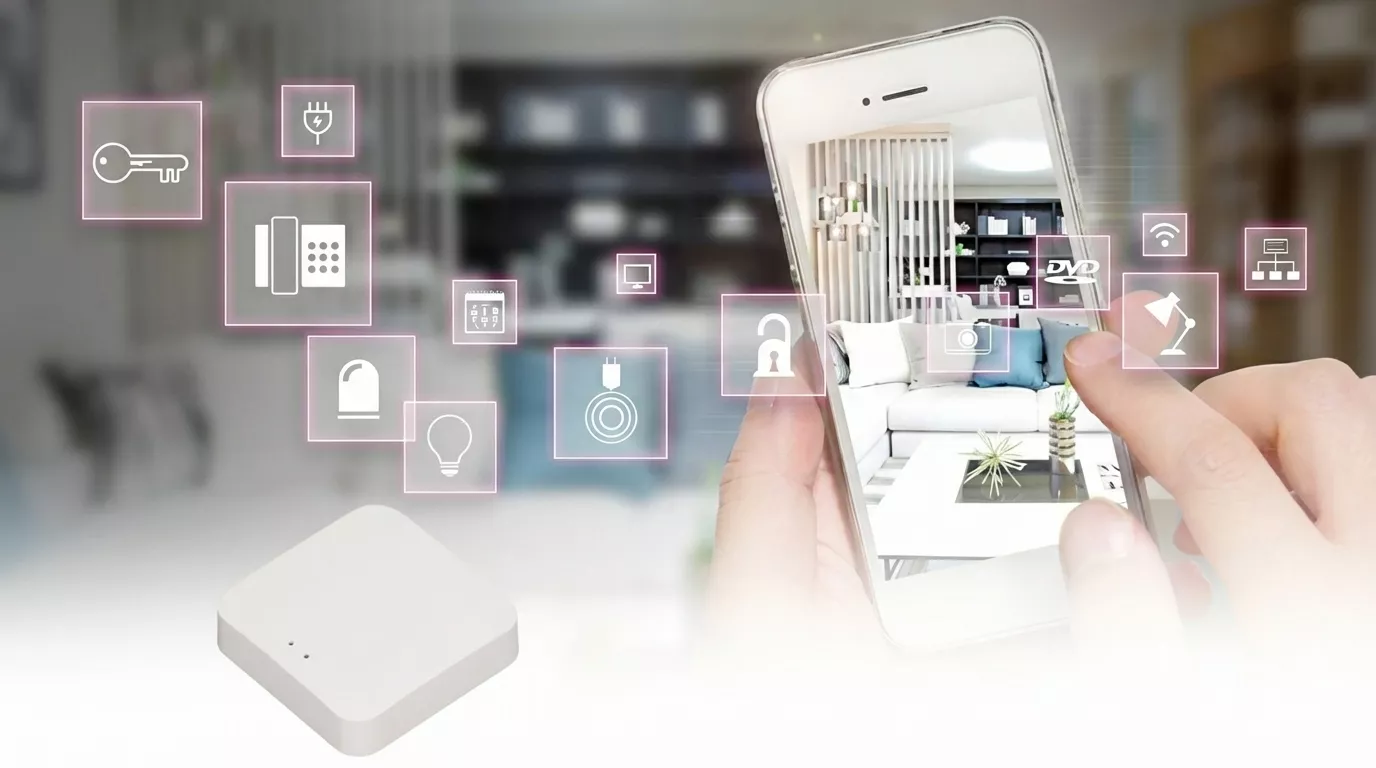
What is happening with your devices?
Choose the one closest to your situation.
A weak signal in that part of the house is the usual cause. We test the signal, then move the device or add a mesh point so it stays connected.
Thick walls, floors and basements block Wi-Fi. A mesh system or extender placed in the right spot usually fills the gap.
Many devices only join the 2.4 GHz band, or need the phone close by during setup. We work through the pairing step by step.
Tell us what you see or hear. Write it in the booking form or message us on WhatsApp, and we'll tell you what it is.
What this service includes
- Map your devices and signalWe list each device and test the Wi-Fi where it sits.
- Improve the weak spotsWe move devices, or set up mesh points or extenders, yours or supplied by us.
- Connect and name every deviceEach device joins the right network with a name you will recognise.
- Link them in one appWhere devices support it, we connect them to your hub or voice assistant.
- Show you the setupWe go over the apps with you and leave a written list of your devices.
Quoted separately, only if you need it
Problems with the internet service itself belong to your provider; new network cabling or new outlets for devices are quoted separately and done to code, only if needed.
Why smart devices drop off the Wi-Fi
Most smart devices use very little data, but they need a steady signal. When a camera stops recording or a plug ignores its schedule, the cause is often the Wi-Fi, not the device.
Common causes
- The router sits in a corner of the basement or inside a cabinet.
- Brick walls, floors and appliances weaken the signal between rooms.
- The network name or password changed and the devices were never updated.
- Too many devices are connected to an older router.
How we fix it
We start by testing the signal where each device sits. Often, moving the router or a device a few metres is enough. In larger or multi-storey homes, a mesh system with two or three points usually gives steady coverage. We then reconnect each device, give it a clear name, and link what we can to one app or voice assistant so daily use is simpler. If the problem is your internet service itself, we tell you so you can call your provider.
Service details
- Time on site
- 3 to 8 hours
- Technical visit
- Recommended. We check the job and the access first.
- Materials
- We can supply a mesh system or extenders, or set up the equipment you already have.
- Warranty
- 2 years on our work
- Area
- Toronto and the Greater Toronto Area (GTA)
What happens after you book
You don't need an app or an account. Someone from our team contacts you to confirm.
You choose a day
Online in a few minutes, on WhatsApp or by phone.
We contact you to confirm
Usually within two business hours.
The technician checks and gives you the price
Nothing starts until you say yes.
The work is done and tested
Tested with you. Our work has a 2-year warranty.
What our clients say
Excellent work, friendly staff, respectful. If you want a job done right at a fair price, this is the company to call!
Sandra L.Home maintenance Great organization to work with, very good communication and clarity on the work to be performed. Very happy with the work done.
Chito W.Home repairs
Questions about wi-fi device set-up and integration
Do I need a mesh system?
Not always. If only one or two rooms have a weak signal, moving the router may be enough. Larger homes and basements often need a mesh system.
Will you need my Wi-Fi password?
Yes, the devices need it to connect. If you prefer, you can type it in yourself during the visit.
Can you connect devices from different brands?
Many brands work with the main voice assistants and hubs, so we can often control them from one place. We tell you which ones can't be linked.
Can you make my home network safer?
We can change the default router password, set up a separate guest network and make sure the Wi-Fi uses a strong password. Deeper network security is outside this service.
Do you fix internet that is slow everywhere?
If the whole house is slow, even next to the router, the problem is usually the internet service. We test it and tell you if you should call your provider.
We set up Wi-Fi devices across the Greater Toronto Area (GTA)
Other plumbing & electrical services
See all
Need it fixed soon?
Message us on WhatsApp and we will find you the earliest available day.